If you are facing any issues with your Dyn365FO excel add-in please go to below link and you have done the necessary troubleshooting
If you face the following error despite following the above troubleshooting steps, please follow the remaining steps in this blog post below to unblock.
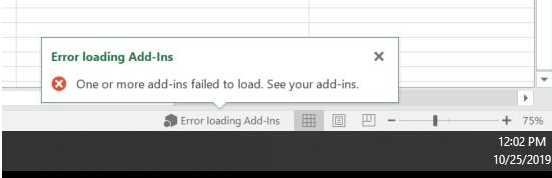
- Go to below link
https://store.office.com/addinsinstallpage.aspx?rs=en-001&assetid=WA104379629 ↗
- Click on Open in Excel on below prompt.
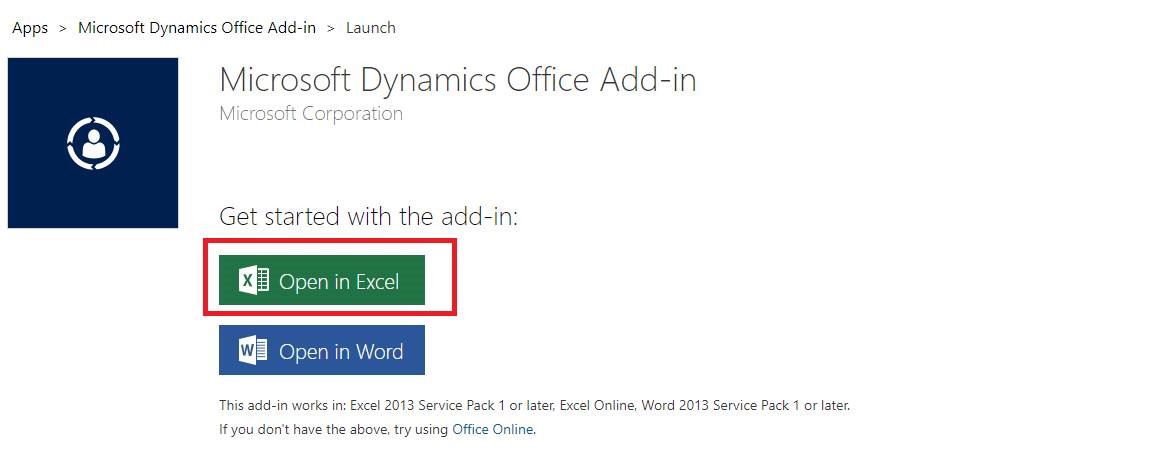
- Click on Open in Excel 2016 to get below prompt
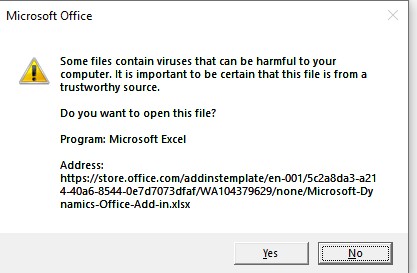
- Click Yes and the add-in should open on the right window pane within excel. Click on Add server information
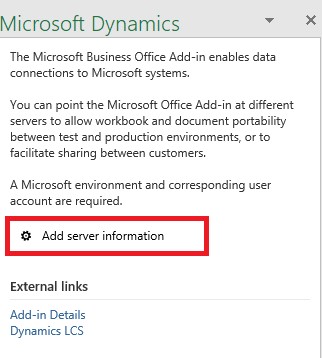
- Enter the url to the Dyn365FO environment. Then click Ok to receive below prompt.
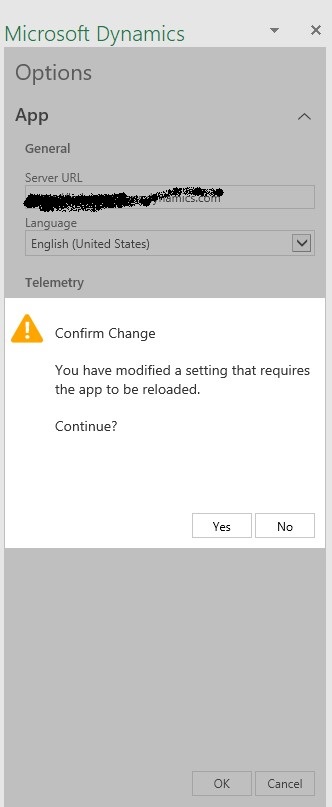
Note: You may need to sign in if after clicking Yes a sign in prompt appears, else you should be able to use the add-in already.
Hope this helps
-Hitesh Manglani