Been a while since I last posted as I was busy with upgrading our implementation from v7.1 to v10. During our upgrade from Dynamics 365 for Retail v7.1 to v10.0, one of the main issue we faced is that of Backward compatibility.
The issue occurs when trying to run v7.1 MPOS with v10.0 Retail Server, basically “Declare Start Amount”feature does not work.
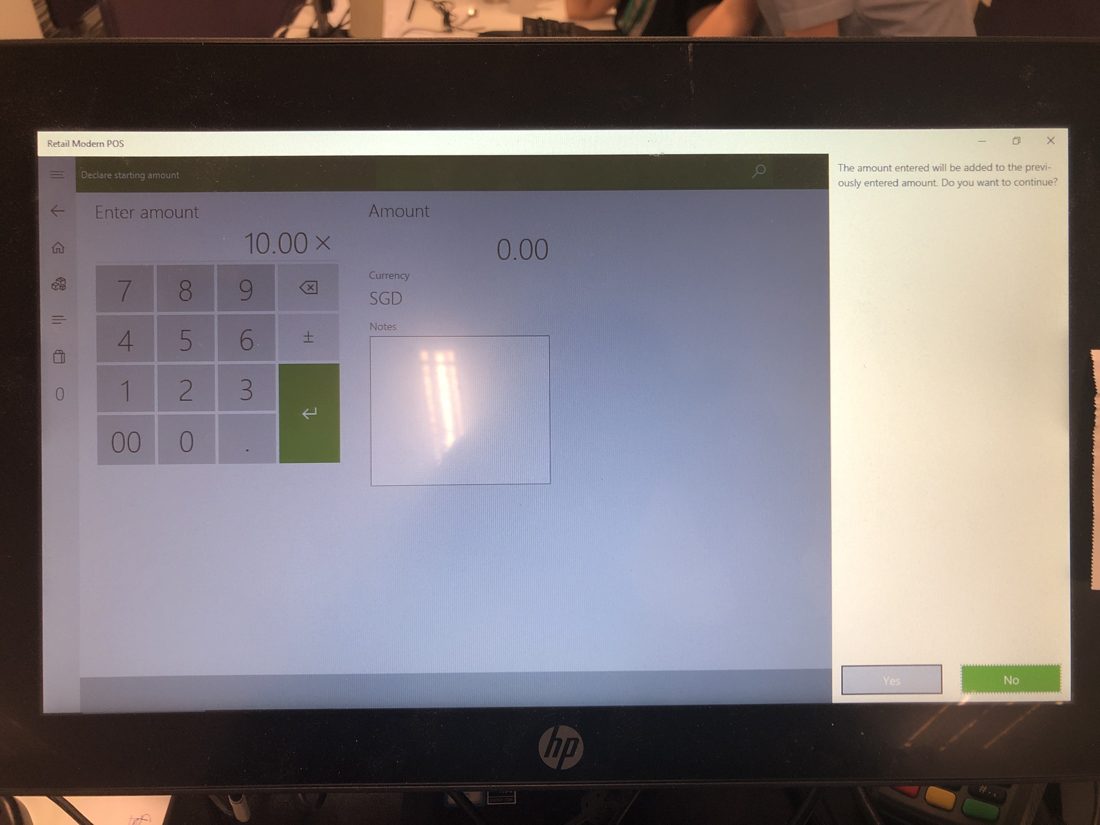
On trying to declare the start amount the cashier gets the following prompt.
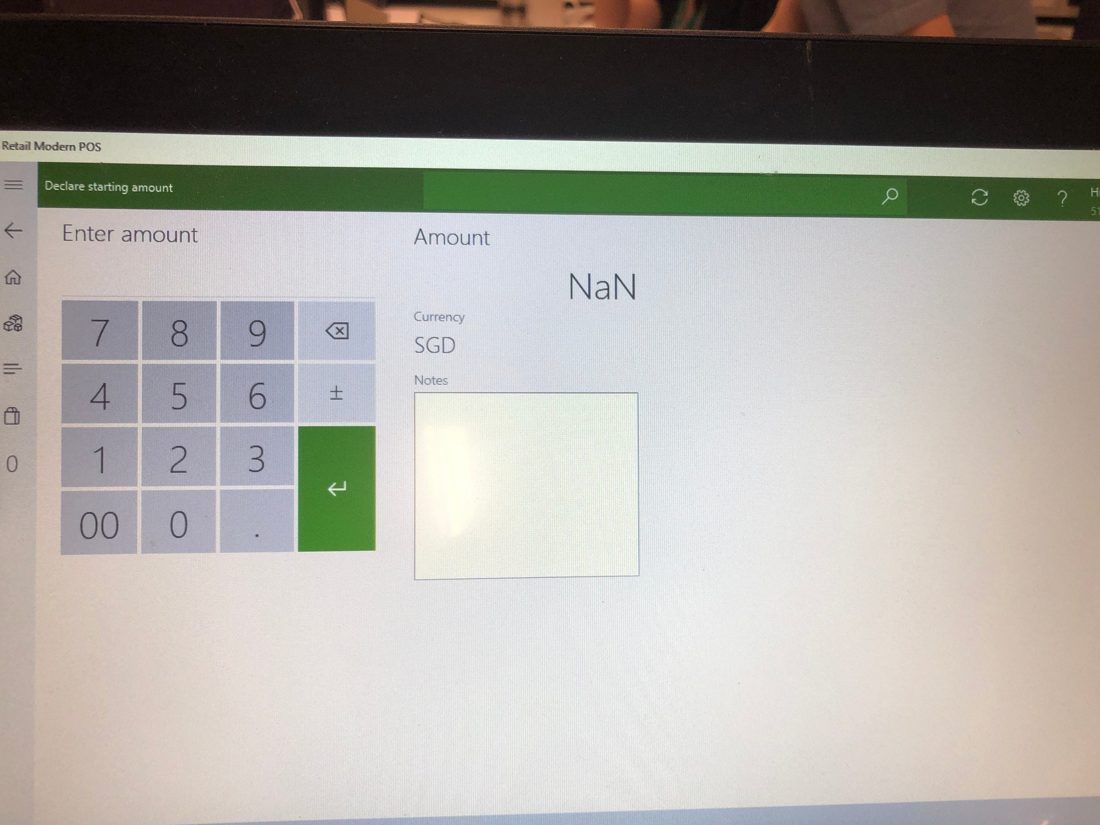
On trying to key in any value, the start amount results as NAN.
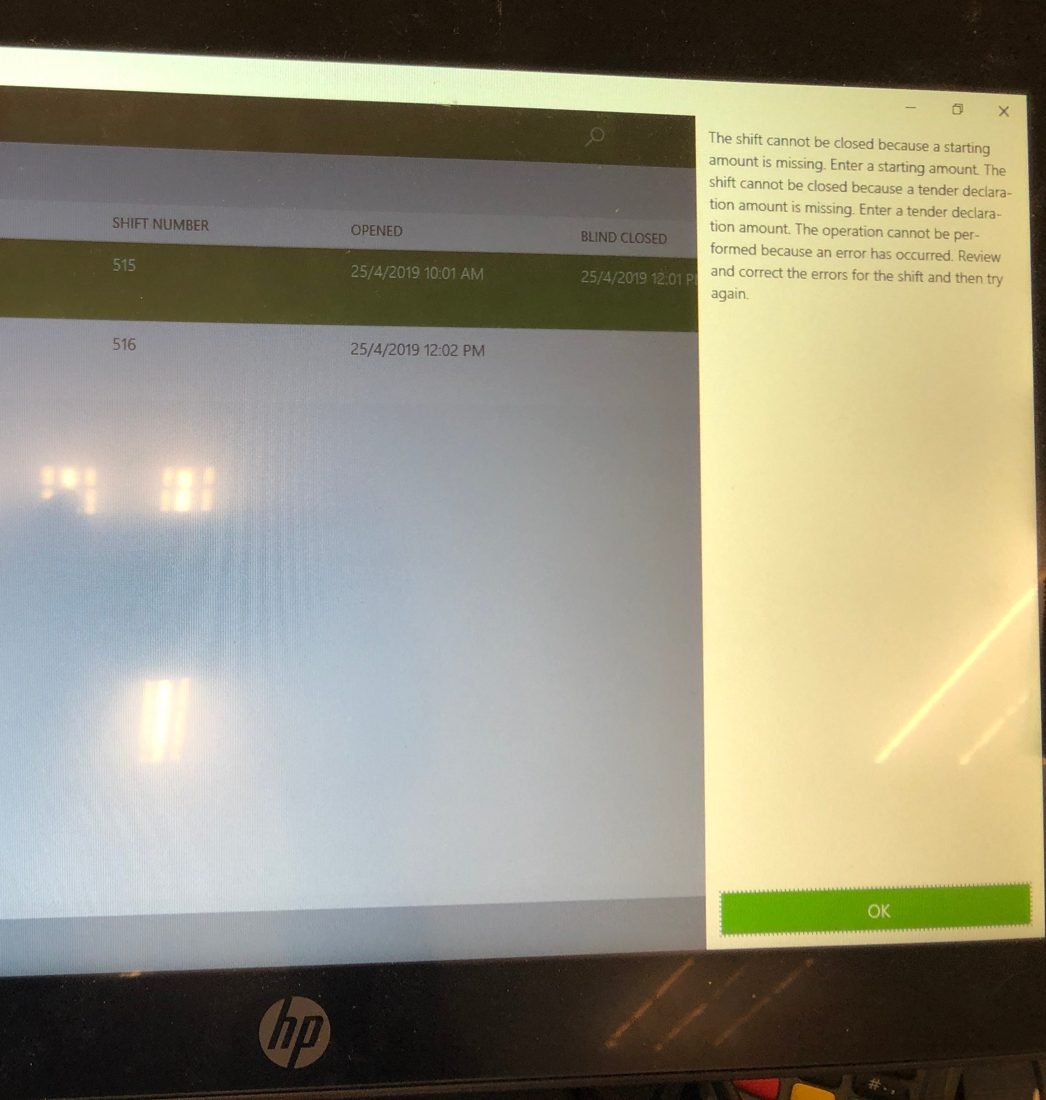
Reattempting to declare the start amount simply repeats the above prompts. Now this issue is serious since it prevents the closing of shift as shown in the screenshot below.
My investigation started with debugging the MPOS code and eventually the CRT code, and I found that one of the fields “StartingAmount” had been removed from crt.ShiftsView. This was causing its value to stay as undefined.
The good news is that issue is reported to Microsoft, and we are currently awaiting the fix (currently expected in v10.0.4)
-Hitesh Manglani